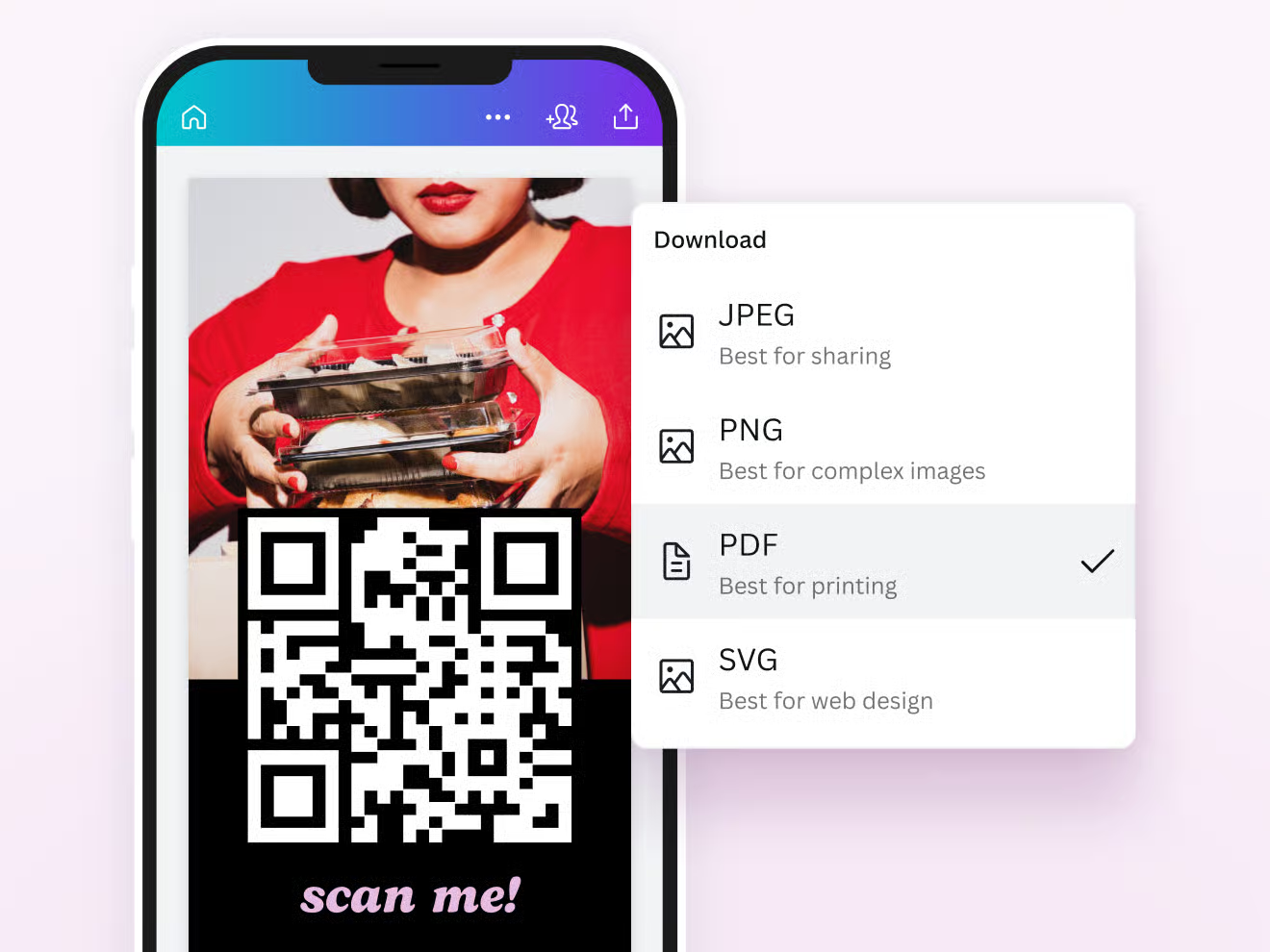
Here’s an overview of the best free QR code generators you can use for PDF files, including tools that let you link or embed PDFs via QR codes and download results (often as PDF, PNG, SVG).
These work well for sharing documents, menus, brochures, manuals, etc.
What You Need to Know About QR Codes and PDFs
A QR code can’t usually store an entire PDF file inside itself; the file is too large for the data capacity of a QR code. Instead, you typically:
- Upload the PDF somewhere accessible online (Google Drive, Dropbox, your site, etc.).
- Use a generator to create a QR code that links to that PDF.
- Download the resulting QR code as an image or PDF for printing or sharing.
Some tools also let you embed the QR code into a PDF directly. Both approaches are useful depending on whether you need the code to be separate or inside a document.
Best Free Online QR Code Generators for PDF Links
1. Striker Hand Tools’ PDF QR Code Generator
- Best for: Quick, free PDF QR codes with customization.
- Let you upload a PDF and generate a printable QR code in SVG, PNG, or PDF.
- Customization includes colors, logo center icons, corner styles, and size — useful for professional print material. Completely free with no login required and ideal when you want a print-ready QR code.
2. Qraai.com PDF QR Code Generator
- Best for: Simplicity and speed.
- Upload your PDF, hit Generate, and download the QR instantly.
- No registration, free with unlimited uses, and compatible with all Smartphone scanners. Very fast — great when you just need a basic QR linking to your PDF.
3. Make a Branded PDF QR Code Generator
- Best for: PDF links with optional branding.
- Let’s you upload a PDF or paste a URL.
- Offers design options and downloadable formats.
- Note: While basic generation is free, advanced tracking/analytics may require accounts. Good for event materials, business decks, or printable marketing PDFs.
4. Code2Scan Free QR Generator
- Best for: Static PDF links with visual customization.
- Upload a PDF and turn it into a scan able QR plus colors and styles.
- Easy for menus, catalogs, guides, and flyers.
- Great for creative or branded QR designs without paid subscriptions.
5. SmartQR’s PDF QR Code Generator
- Best for: Free online tool with export options and analytics.
- Create a QR for PDF that you can export as JPG, PNG, PDF, or SVG.
- Offers optional analytics and editing in one place. Useful if you want simple statistics with your free QR codes.
Extra Tools worth Mentioning:
CraftMyPDF QR Code Tool
- Let’s you add a QR directly into your PDF with text headers, footers, color, and logo. You can download the final PDF with the QR embedded.
Adobe Express QR Generator
- Not explicitly a PDF-to-QR tool, but you can generate a QR for a URL pointing to your PDF and download it as an image or include it in your Adobe Express designs, like brochures or flyers.
Tips for Using Free QR Code Generators:
- Static codes: Free and never expire, perfect for linking to a fixed PDF URL.
- Dynamic codes: Change where the QR points later, useful if your PDF moves, but often require paid plans.
- Test scanning before sharing widely, especially after printing.
- Host your PDF on a reliable platform Google Drive, with a “public link” or your own site. So the QR always works.