Here’s a detailed look at some of the best free QR-code generators right now — what makes them good, their trade-offs, and in what situations each works best. I’ve also included some caveats and security considerations so you can choose wisely.
What Makes a “Good” Free QR-code Generator?
Before listing tools, it helps to know what to look out for in a good QR-code generator. A high-quality free tool should ideally:
- Let you generate a QR code instantly and without account creation or payment, or at least offer a generous free tier.
- Enable high-resolution output PNG, ideally vector formats like SVG/PDF. This is especially important if you plan to print the QR flyer, poster, or business card.
- Provide basic customization, color, maybe logo insertion, and simple styling to let the QR fit with your branding/design.
- Avoid watermarks, forced ads, or hidden catches like codes that expire or stop working unless you pay.
- Be transparent about data use — ideally not storing URLs in ways that compromise privacy, though with free tools, some caution is wise.
With those criteria, here are some of the best free QR generators as of 2025.
Recommended Free QR-Code Generators

QRCode Monkey
- Why choose it: Widely considered one of the best free QR-code tools. Let’s you generate static QR codes with no sign-up required.
- Features: Offers good customization, you can change colors, add logos, choose patterns or frames, and export in high-res PNG or vector formats (SVG).
- Good for: Business cards, flyers, posters, events, or any printable material where you want a visually appealing code that lasts.
Adobe Express QR Code Generator
- Why choose it: Great for users who want simplicity + design flexibility. You can create a QR code fast, customize the style/color, and download it without special software.
- Features: Let you choose colors, styles, use on Adobe’s design templates, and download in standard formats (PNG, JPEG, PDF).
- Good for: Quick use, social-media graphics, posters, or combining QR codes with other design elements, since Adobe Express is also a design tool.
QRStuff
- Why choose it: Supports a wide variety of data types — not just URLs, but also contact info (vCard), Wi-Fi login data, email, text, etc.
- Features: Let you generate both static and dynamic codes, customize color and appearance; static QR codes are free, and unlimited dynamic features may have limits
- Good for: More advanced QR uses, e.g., embedding Wi-Fi credentials, vCards, or other non-URL data in a QR code for convenience.
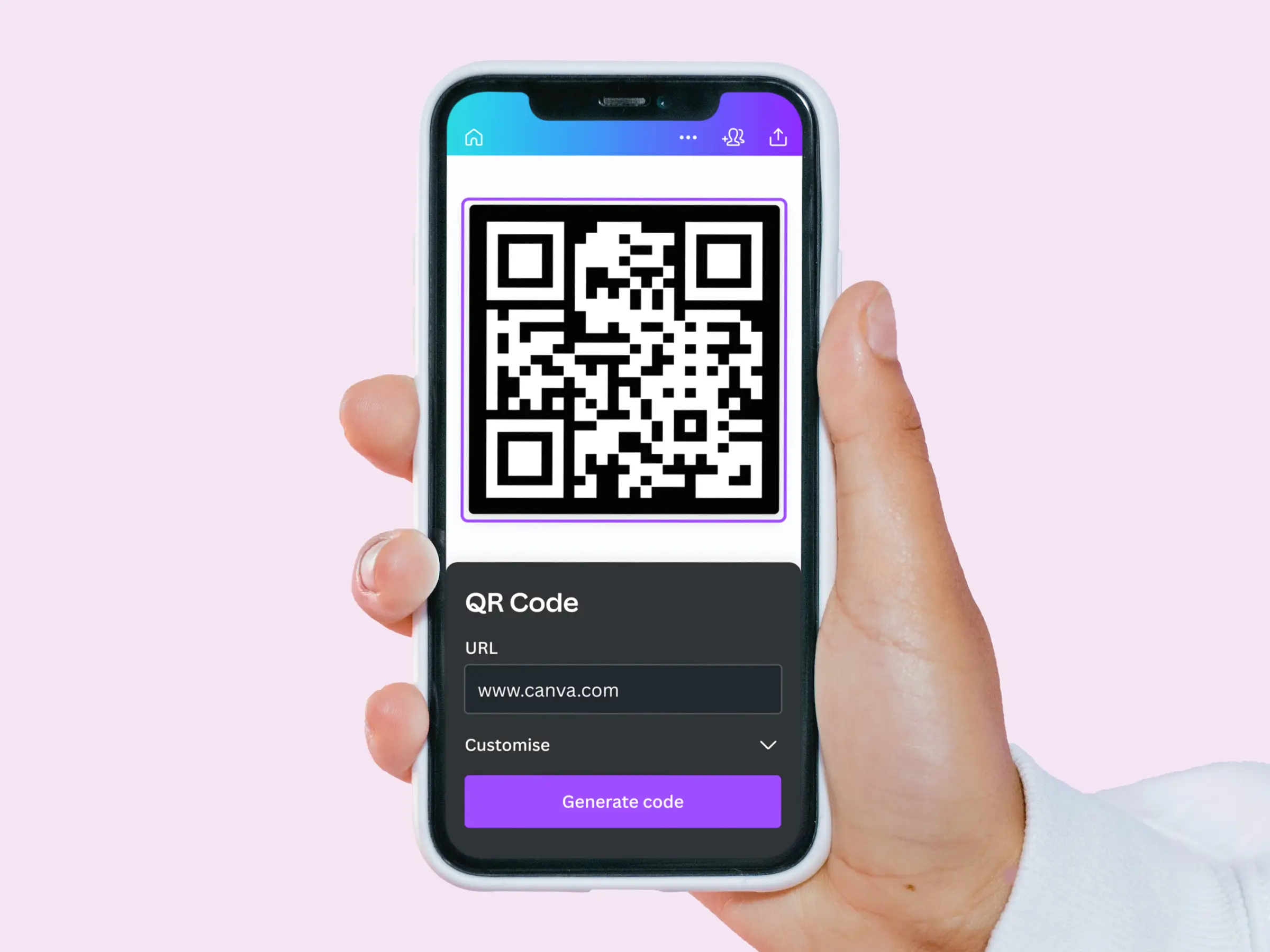
Canva (QR-code feature)
- Why choose it: If you already use Canva for design work, presentations, posters, and social-media posts, then this built-in feature makes sense. It generates QR codes and lets you embed them within your design.
- Features: Unlimited static QR code generation (URL-based), integrated with Canva’s template and design features.
- Limitations: The QR code itself is basic, no embedded logo, no advanced styling, and only supports URLs (not Wi-Fi, vCard, etc.).
- Good for: Quick design-centric outputs, like posters or social-media graphics, where you need a QR code but don’t need advanced features.
Flow code (Free QR Code Generator plan)
- Why choose it: Aimed at businesses and creators. According to the company, Flowcode offers a free QR-code generation option with customization and even “dynamic” QR support under some plans.
- Features: Ability to create QR codes for various use cases, websites, signage, PDF links, customizable shapes/patterns/colors, and download in multiple formats (PNG/SVG/EPS).
- Be aware: While Flowcode markets itself as “#1 free QR code generator,” free users should check carefully whether codes are truly permanent or limited, especially if you plan long-term use.
- Good for: Businesses or creators who want more flexibility than simple static codes, e.g., if you may want to change the target URL later (dynamic codes), or want a more stylized QR.
Important Caveats & What to Watch Out For
Security & privacy concerns: Free QR-code tools often have weaker security, or may store data (e.g., URLs, metadata) which could be misused or exposed if the service is compromised.
Static vs. dynamic codes: Most genuinely free tools offer only static QR codes — once you encode a URL/text, it’s fixed. If you want to later change the URL (without replacing the printed QR), you’ll need a “dynamic” QR generator (often paid or limited).
Print quality matters: If you print QR codes (flyers, posters, business cards), low-resolution output can lead to poor scanning. Always prefer tools that let you export in high-res PNG or vector (SVG/PDF) formats.
Hidden charges/expiration risks: Some sites market themselves as “free,” but the generated codes may expire, be watermarked, or require payment to remain active — making them unreliable for long-term or business use.
Scan limits or analytics-only trials: Even when dynamic QR codes are offered, free plans may restrict the number of scans or require payment for analytics. Useful for short-term campaigns, but risky if you expect heavy usage.